Google Gemini Redesign Leaks: Animated Gradients and Pill-Shaped Prompt Box Signal Major Overhaul
First look at the full Gemini UX 2.0 reveals pulsating backgrounds, a redesigned homepage, and a unified tool carousel, with a limited rollout already underway on iOS.

BANGLADESH —
Key facts
- Google has been working on the Gemini app redesign for several months.
- The new homepage features a pill-shaped prompt box with voice input and Gemini Live on the right.
- A plus button opens a bottom sheet with a carousel for Photos, Camera, recent images, Files, Notebooks, and more uploads.
- Tools such as Images, Videos, Music, Canvas, Deep research, and Guided learning appear with descriptions.
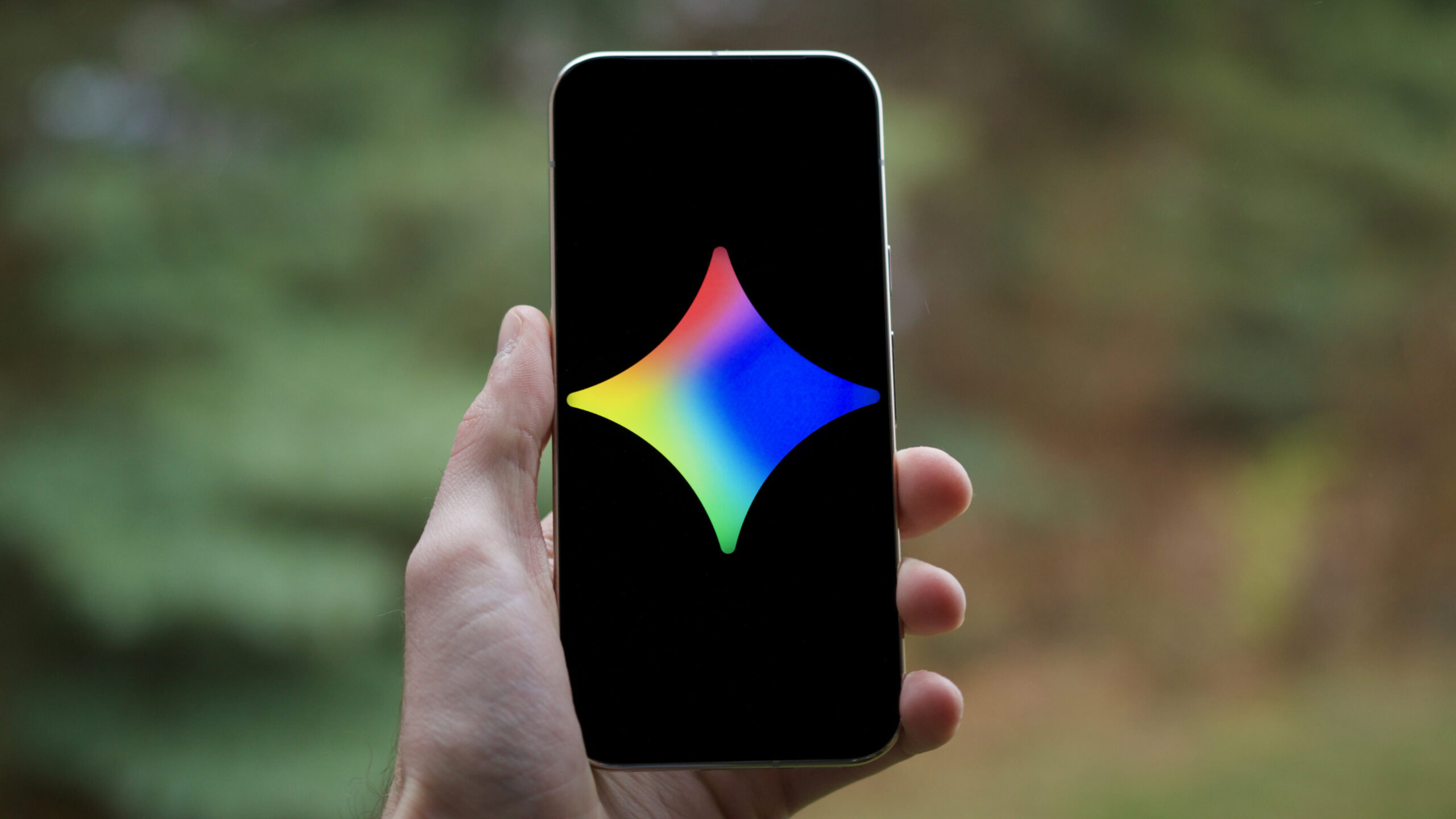
- The greeting now reads 'Hi [name], what’s on your mind?' centered with the Gemini spark above.
- A colorful, pulsating gradient background replaces the static interface, providing real-time visual feedback.
- The model picker has moved to the top-left corner as a dropdown menu, with updated thin, rounded icons.
- On iOS, the redesign heavily leverages Liquid Glass; initial support was introduced earlier this week.
A Dynamic New Look for Gemini
Google is preparing to roll out a comprehensive redesign of its Gemini app, the first full look at which has emerged through leaks and early user reports. The overhaul, internally referred to as Gemini UX 2.0, introduces animated gradient backgrounds that pulse and shift color while the AI processes a query, replacing the current static interface. The effect is designed to make the app feel more responsive, providing visual feedback that Gemini is actively listening or working on an answer. The redesign has been in development for several months and is now appearing in limited tests on iOS, where it heavily leverages Apple's Liquid Glass technology. On Android and desktop web, Google has been testing a unified approach, while the new design is already live in Gemini for Mac. The rollout remains limited, but a growing number of iseeing the changes in the past day or two.
Homepage Overhaul: Pill-Shaped Prompt and Tool Carousel
The most visible change on the homepage is the shift to a pill-shaped prompt box, with voice input and Gemini Live positioned to the right. A plus button opens a bottom sheet containing a carousel that allows users to open Photos, launch the Camera, and view recent images. Below the carousel, users can find Files, Notebooks, and a 'More uploads' option. Below the prompt, a list of tools appears with descriptions: Images, Videos, Music, Canvas, Deep research, and Guided learning. This unified approach brings together a range of capabilities in one place, making it easier for users to access different functions without navigating away from the chat interface. The greeting has also been updated to 'Hi [name], what’s on your mind?', centered with the Gemini spark icon above.
Navigation and Interface Refinements
Google has made several changes to the app's navigation and iconography. The model picker has moved to the top-left corner as a dropdown menu, a return to an earlier placement. The icon set has been updated to favor thin, rounded outlines, giving the interface a cleaner, more modern look. The account switcher has been moved to the bottom of the navigation drawer, a significant departure from typical first-party app design. In chat threads, the 'See thinking steps' option has been moved to the overflow menu, with the thought process now appearing as a bottom sheet. The 'Answer now' button, introduced earlier this year, remains present at the bottom center of the screen, though its placement has been refined as part of the broader overhaul. These changes suggest Google is carefully rethinking how users interact with the AI assistant.
Animated Feedback and Real-Time Responsiveness
The most striking new feature is the animated gradient background that activates when a user sends a query and while the AI processes a response. Instead of a static interface, the app reacts in real time, with colors shifting and pulsating to indicate activity. This adds a layer of motion to the redesign, complementing brighter colors, updated backgrounds for light and dark modes, and more minimal icons. A Telegram user who wishes to remain anonymous shared details of the animation with Android Authority contributor Assemble Debug, revealing that the gradients are part of Google's effort to make Gemini feel more responsive and less visually flat. The effect is fully leveraged when a prompt is entered, creating what one observer described as a 'gorgeous' visual experience.
Timeline and Potential Debut at Google I/O
It remains unclear when the redesign will officially roll out to all users, but with Google steadily advancing the new design, the company may be preparing to unveil Gemini UX 2.0 soon. Google I/O, the company's annual developer conference, is just a few weeks away, and there is a strong chance the redesign could be introduced at the event. The limited rollout on iOS suggests that final testing is underway, and an official announcement could come at any time. For now, the redesign is still in a limited testing phase, with only a handful of iOS users reporting seeing the changes. It remains to be seen how the redesign will look on Android, though the unified approach being tested on Android and desktop web suggests the final version will be consistent across platforms.
Implications for Google's AI Strategy
The Gemini redesign is more than a visual refresh; it represents a strategic effort to make the AI assistant more engaging and intuitive. By adding real-time visual feedback and consolidating tools into a single interface, Google is positioning Gemini as a central hub for AI-powered tasks, from image generation to deep research. The move comes as competition in the AI assistant space intensifies, with rivals like OpenAI's ChatGPT and Microsoft's Copilot also rolling out updates. The inclusion of music creation tools, as hinted by the 'Music' option in the tool carousel, aligns with recent public queries about AI-generated music on Gemini. The redesign's emphasis on multimedia capabilities suggests Google is betting on a future where AI assistants are not just text-based but fully multimodal. As the rollout progresses, the success of Gemini UX 2.0 will likely hinge on how well these new features integrate into users' daily workflows.
The bottom line
- Google's Gemini redesign introduces animated gradient backgrounds that provide real-time visual feedback while processing queries.
- The homepage features a pill-shaped prompt box, a tool carousel for Photos, Camera, Files, and more, and a unified list of tools including Images, Videos, Music, Canvas, Deep research, and Guided learning.
- Navigation changes include a top-left model picker dropdown, updated thin rounded icons, and the account switcher moved to the bottom of the navigation drawer.
- The 'Answer now' button remains present, and 'See thinking steps' has been moved to the overflow menu, appearing as a bottom sheet.
- The redesign is currently in limited testing on iOS, leveraging Liquid Glass, with a unified approach on Android and desktop web; it is already live on Gemini for Mac.
- Google may officially unveil Gemini UX 2.0 at Google I/O in the coming weeks, as the company continues to refine the design.



Aaron Hardie's all-round heroics end Peshawar Zalmi's nine-year PSL title drought
Palmeiras and Santos Battle to 1-1 Draw in Thrilling Derby at Allianz Parque