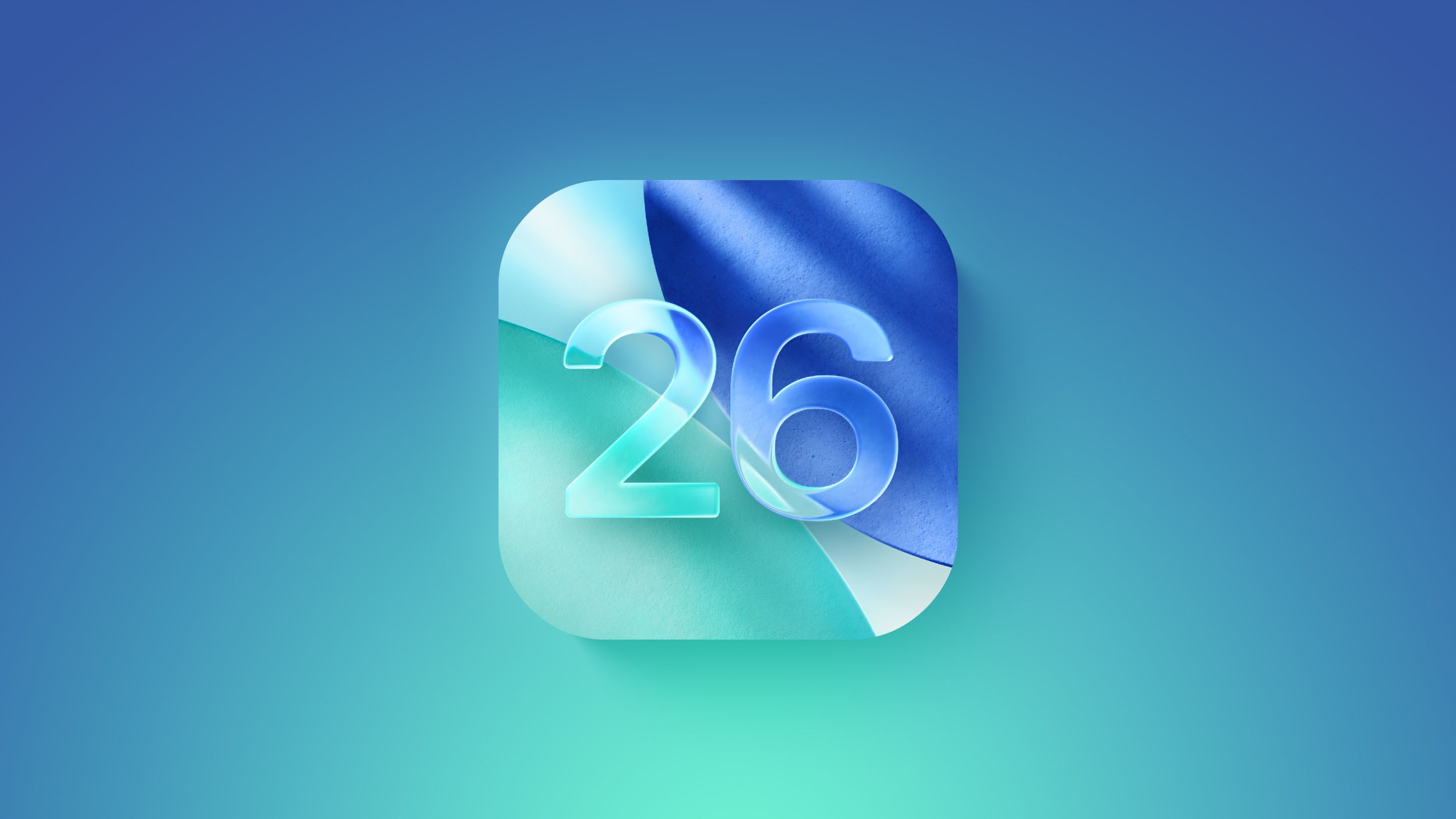
iOS 26 Ushers in Liquid Glass Era With Call Screening and Live Translation
Apple's biggest design overhaul since iOS 7 brings a translucent interface that adapts to content, while new Phone features target spam calls and hold-time frustration.

ETHIOPIA —
Key facts
- iOS 26 introduces Liquid Glass, the first major design change since iOS 7.
- Call Screening lets users ask unknown callers for a reason before the phone rings.
- Hold Assist reduces the pain of waiting on hold with automated prompts.
- Live Translation is integrated into Apple Intelligence for real-time language help.
- Playlist Playground (beta) generates playlists from user descriptions in Apple Music.
- Offline Music Recognition identifies songs without an internet connection.
- iOS 26 is the 2025-2026 release, unifying version numbers across Apple platforms.
A New Visual Language: Liquid Glass
iOS 26 marks Apple's most significant design overhaul since iOS 7, introducing a new visual language called Liquid Glass. The interface elements—buttons, sliders, sidebars, tab bars—are almost entirely translucent, reflecting and refracting their surroundings to put content at the forefront. Apple says this design will form the basis of the next decade of iOS. The Liquid Glass look extends across the operating system: Lock Screen, Home Screen, Control Center, notifications, and all of Apple's apps. It dynamically adapts to content and context, with real-time rendering that changes how light reflects off interface elements as the user moves the device. The design also appears in iPadOS 26, macOS Tahoe, visionOS 26, tvOS 26, and watchOS 26, ensuring cross-platform cohesiveness.
Phone App Gets Two Game-Changing Features
The Phone app, one of the iPhone's original apps, has been redesigned in iOS 26. But the standout improvements are two opt-in features: Call Screening and Hold Assist. Call Screening, under 'Screen Unknown Callers' in Settings, prompts unsaved numbers to state their reason for calling before the iPhone rings. The Lock Screen then displays the caller's identity and purpose, letting users decide whether to answer. Spam calls never trigger a ringer. Hold Assist eases the frustration of being stuck on hold by automating the waiting process. Together, these features have turned the Phone app into a favorite update for users who previously disliked phone calls. Apple also included an option to revert to the old Phone design, a nod to the controversial redesigns of Photos in iOS 18 and Mail in iOS 18.2.
Apple Intelligence Powers Live Translation and Smarter Shortcuts
Apple Intelligence is more deeply integrated in iOS 26, enabling features like Live Translation to help users communicate across languages in real time. The system also unlocks new actions in Shortcuts, allowing for faster task automation. Visual Intelligence, Genmoji, Image Playground, and ChatGPT integration are part of the broader AI push. These intelligent features learn from on-screen content, providing contextual information without requiring manual input. The combination of Liquid Glass and Apple Intelligence aims to make the interface both beautiful and proactive.
Music, Camera, and Messaging Enhancements
Apple Music gains Playlist Playground (beta), which generates a playlist from a user's description, complete with title, description, and tracklist. A new Concerts feature helps discover nearby shows based on listening habits. Offline Music Recognition in Control Center identifies songs without an internet connection and delivers results when back online. An Ambient Music widget offers curated playlists for Sleep, Chill, Productivity, and Wellbeing. Camera and Photos receive meaningful updates, though specifics were not detailed in the excerpts. Wallet and CarPlay also see enhancements. In Messages, new features help users stay connected while filtering distractions, and 8 new emoji are included. Safari, Notes, Reminders, FaceTime, Podcasts, Maps, Games, and Journal all get new features as well.
Accessibility, Battery, and Security Updates
iOS 26 introduces an Accessibility Reader, Braille Access, and other accessibility improvements. A new Reduce Motion setting more reliably reduces Liquid Glass animations for users sensitive to on-screen motion. Subtitle and caption settings are easier to find, customize, and preview from a dedicated captions icon while viewing media. Battery life benefits from an Adaptive Power Mode. Security updates are included, with details available on Apple's support website. The update also brings bug fixes and performance improvements across the system.
WhatsApp May Adopt Liquid Glass for Chat Interface
WhatsApp is reportedly working on extending the Liquid Glass redesign to its chat interface, the screen where users spend most of their time. Currently, most WhatsApp users on iOS 26 do not yet see Liquid Glass in the app. The move would align the popular messaging platform with Apple's new design language, though no release date has been announced.
The bottom line
- iOS 26's Liquid Glass design is a decade-defining visual overhaul, extending across all Apple platforms.
- Call Screening and Hold Assist transform the Phone app, drastically reducing spam calls and hold-time frustration.
- Apple Intelligence is embedded deeper, enabling Live Translation and smarter Shortcuts automation.
- New Music features like Playlist Playground and Offline Recognition enhance discovery and convenience.
- WhatsApp is expected to adopt Liquid Glass for its chat interface, signaling third-party embrace of the design.
- The update includes accessibility improvements, security fixes, and a unified version number across Apple OSes.



Samsung Posts Record $90 Billion Quarterly Revenue as AI Chip Demand Drives 750% Profit Surge
Al-Hilal narrows title gap with 3-0 win; Benzema keeps pressure on Al-Nassr
Arsenal open to selling Viktor Gyökeres just one year after signing from Sporting CP